
Power cuts and voltage swings can fry your PC, and you want simple protection fast. A UPS can keep your PC, modem, and wifi router running during outages, it also gives battery backup and surge protection.
This guide will show how to pick the Best Ups Power Supply For Pc, compare standby, line interactive, and online UPS units, and size battery capacity to fit your setup. Read on.
Key Takeaways
- First, list all devices you want to protect and add up their total wattage. Pick a UPS with an output power 20–30% higher than your needs.
- Know the three main UPS types: Standby is low-cost for basic PCs; Line-Interactive adds voltage regulation for unstable areas; Online provides the best protection for gaming or high-end systems.
- Key features to check include battery capacity (for backup time), surge protection, Automatic Voltage Regulation (AVR), USB/network ports, and noise levels.
- Top brands like APC, CyberPower, Microtek, Zebronics, and Luminous offer reliable models with strong customer support and good warranties.
- Maintain your UPS by checking batteries every few months and replacing them every 3–5 years to prevent failures during outages.
Understand Your Power Backup Needs

To pick the right UPS, start by knowing what you need to protect. Think about your PC and other devices that rely on power, like monitors or printers.
Identify the devices you want to protect
Make a list of the gear you want protected, include your PC, monitor, router, modem, external drives, and NAS. Count the wattage of each device, note surge protection needs, and mark items that must stay online during a blackout.
Match that list to UPS types, pick a line-interactive UPS for voltage fluctuations, or an offline UPS for light use. Check models like CyberPower CP1350AVRLCD3, Amazon Basics standby UPS 800VA, and Zebronics units for compact design and power management features, plus automatic voltage regulation for steady output.
Assess the power requirements of your PC and peripherals
List every device you want the uninterruptible power supply to run. Start with the PC, monitor, router, external drives, and speakers. Add wattage or amperage from each device label, or use an online watt calculator, and total the numbers.
I tested a CyberPower LE1000DG at home, I logged a gaming PC at 450 watts, a monitor at 35 watts, and a Wi-Fi network router at 15 watts, the UPS handled short outages well.
Match the total load to battery capacity and runtime specs, and allow headroom for spikes from power fluctuations. Choose a back ups with an output rating above your total watts, the rule of thumb is 20 to 30 percent extra.
Check if the UPS is offline/standby, line-interactive, or online, and see if it has AVR, USB or network ports for monitoring. Brands like Schneider Electric, Luminous, Microtek, and CyberPower list runtime charts, use those to pick a home ups that fits your needs.
Next, compare standby, line-interactive, and online UPS types.
Types of UPS Systems
There are three main types of UPS systems. Each one serves different needs for protecting your PC and devices.
Standby UPS
A standby UPS sits between your wall outlet and PC, and it switches to battery power in milliseconds during an outage. It stays on mains power while filtering small spikes, and it gives short backup time for safe shutdown.
Many buyers pick models from frontech, v-guard, okaya, or exide for budget builds.
This type fits home users and basic office rigs. It does not offer continuous online conditioning, so avoid it for high-end servers or sensitive audio gear. You get low cost, simple maintenance, and surge protection, all in a compact unit.
Line-Interactive UPS
A Line-Interactive UPS offers a great balance between performance and cost. It provides backup power during outages while also correcting voltage fluctuations. This keeps your PC safe from damage due to surges or sags.
These systems come with Automatic Voltage Regulation (AVR). AVR helps maintain a stable output, so your devices get clean power. Brands like APC and CyberPower make reliable line-interactive models.
These options can protect not just your PC but also other devices connected to it, ensuring peace of mind when the lights go out.
Good protection is worth its weight in gold!
Online UPS
Line-Interactive UPS systems provide reliable backup, but let’s talk about Online UPS options. These units offer more advanced protection for your PC and devices. They keep the output voltage stable at all times, even during power problems.
Online UPS systems convert incoming AC power to DC, then back to AC. This keeps your equipment running smoothly and protects it from surges or dips in electricity. Brands like APC and CyberPower have great models available that fit various needs.
For serious gamers or those with high-end PCs, an Online UPS is a solid choice. It ensures you stay powered up without any hiccups!
Key Features to Consider
When choosing a UPS, focus on key features that matter most. Battery capacity keeps your PC running during outages, while output power rating ensures it can handle all your devices.
Battery capacity and runtime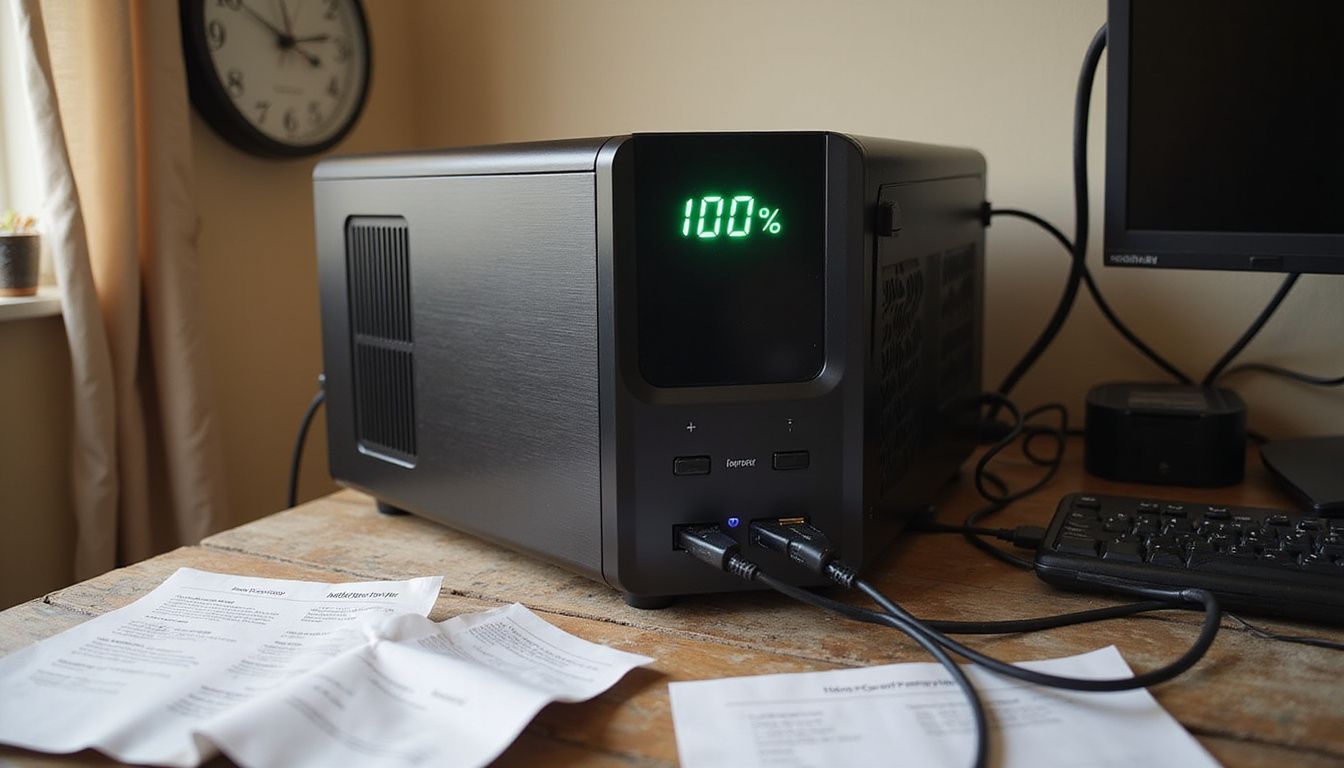
Battery capacity tells you how much power a UPS can store. It affects how long your devices stay on during a blackout. A higher capacity means longer runtime, which is essential for keeping your PC and accessories safe.
Runtime varies by model. Some models like APC or CyberPower offer great options for different needs. For example, if you need to keep working during short outages, a smaller unit might work well.
But larger systems are better for extended blackouts; they can give you hours of backup time. Always check the specifications to find what fits your setup best!
Output power rating
Battery capacity and runtime are important. So is the output power rating. This number tells you how much power your UPS can supply. It’s measured in watts or VA (volt-amperes). Knowing this helps protect your devices from overloading.
Choose a UPS with an output that matches or exceeds the total wattage of your PC and other devices, like monitors or printers. For example, if your gear needs 400 watts, pick a unit rated for at least that amount.
Brands like APC and CyberPower offer great options for different needs. Be cautious; using a UPS with too low of a rating can cause damage to both the UPS and your equipment.
Automatic Voltage Regulation (AVR)Automatic Voltage Regulation, or AVR, is a key feature in many UPS systems. This technology helps keep the voltage steady and safe for your devices. It adjusts the voltage levels to protect against power surges or drops.
If the power supply varies too much, it can harm sensitive parts of your PC.
Surge protection works hand-in-hand with AVR to shield your hardware from damage. Well-known brands like APC and CyberPower often include AVR in their products. Using a UPS with this feature adds an extra layer of safety for computers and peripherals like monitors or printers.
You’ll find that better stability leads to longer-lasting equipment, so consider this when shopping for your next UPS power supply system.
Surge protection and overload managementSurge protection keeps your devices safe from sudden spikes in electricity. A good UPS, like those from APC or CyberPower, will help prevent hardware damage caused by these surges.
Overload management stops the UPS from getting too much power. This feature ensures that your PC and other devices run smoothly without risk.
Investing in a quality unit means you protect sensitive components inside your computer as well. Brands like Microtek and Zebronics offer solid options for surge protection. With effective overload management, you can avoid burnt circuits and unexpected shutdowns during heavy use.
A little extra caution goes a long way to keep your tech running strong!
Connectivity options (USB, network ports)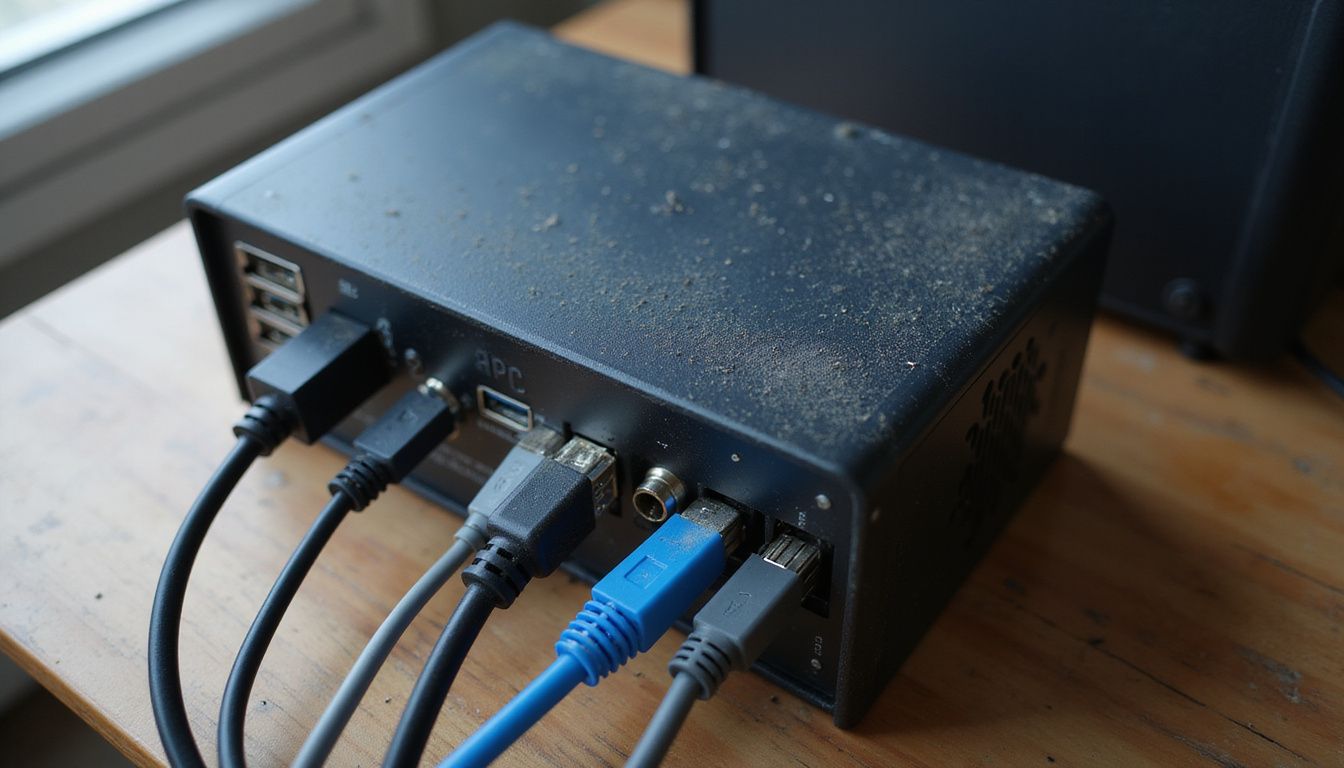 USB and network ports are key features in a UPS power supply. They allow for easy connection to your PC and other devices. A USB port lets you connect the UPS directly to your computer.
This setup helps with monitoring battery status and managing settings from your PC.
Network ports let you link multiple devices to a single UPS. This is useful if you want more than one system protected without cluttering the space with many ups units. Brands like APC or CyberPower often include these options, making their systems versatile and user-friendly.
Noise levels
Noise levels can be an important factor when choosing a UPS power supply. Some models, like the APC and CyberPower, run quietly. Others might create a noticeable hum during operation.
If you work in a quiet space or hope to keep noise down, pay attention to this feature.
A noisy UPS could distract you while working or gaming. Also, some busy households with kids and pets may not mind additional sounds as much. Look for specifications on decibel levels if noise concerns you.
This will help find the right fit for your needs as well as ensure that it won’t disrupt your everyday activities while offering essential protection to your PC and devices during outages.
Next up are factors to evaluate when picking the best UPS system for your setup.
Factors to Evaluate When Choosing a UPS
Choosing a UPS can feel like shopping for shoes. You want the right fit! Check if it works with your PC and gadgets. Think about how long you need power during outages. Size matters too; will it fit on your desk? Lastly, look into warranty and support options, just in case things go wrong.
Curious to learn more?
Compatibility with your PC and connected devices
Check the UPS power supply’s compatibility with your PC and other devices. Many brands, like APC and CyberPower, offer systems that work well with various setups. Ensure the UPS can handle the wattage needed for your computer and peripherals.
Look at connectivity options too. Some models have USB ports or network connections for better management. This feature helps you monitor battery status easily on your PC or tablet.
Investing in a compatible UPS will keep your gear safe during outages, so choose wisely!
Backup time required during outages
Backup time matters significantly. It indicates how long your UPS can power your PC during an outage. For most users, 10 to 15 minutes is sufficient to save work and shut down safely.
This allows your devices time to remain safe while the power is restored.
Some brands like APC or CyberPower offer different models with varying backup times. Check the specs before buying, as some may last longer than others. The right choice depends on how much power you need and how long outages typically last in your area.
Keeping a solid backup plan is essential for maintaining everything running smoothly!
Size and weight of the UPS
Backup time is key, but size and weight matter too. A UPS can take up space on your desk or floor. Choose one that fits well with your setup. Some units are compact and light, while others can be bulky.
A larger UPS often means more power capacity. This helps protect multiple devices at once. However, a heavier model may require more effort to move or set up. Brands like APC and CyberPower offer options in various sizes and weights to fit different needs.
Always check the dimensions before making a choice.
Warranty and support options
Choose a UPS with a solid warranty. This shows that the brand stands behind its product. Many brands, like APC and CyberPower, offer good warranties. They can last from one year to three years.
Support options are also key. Good customer support makes a difference when you face issues. Check if they have phone support or live chat. Online resources can help too; manuals and FAQs are great for quick answers.
A strong warranty and easy support add peace of mind to your purchase, ensuring your investment in protection remains safe over time.
Popular UPS Brands for PC Protection
When shopping for a UPS, look at brands that stand out. APC and CyberPower often get good reviews for reliability. Microtek and Zebronics offer solid options too. Luminous is known for its budget-friendly choices.
Each brand has unique features that fit different needs.
APC
APC is a popular brand known for its reliable UPS systems. Many buyers rely on APC for protecting their PCs and other devices. They offer various models to fit different needs. For instance, the APC Back-UPS line provides excellent protection against power surges and outages.
These systems come with features like Automatic Voltage Regulation (AVR). This helps keep your PC safe from voltage spikes or drops. The battery capacity varies by model, giving you options based on how long you need backup power.
Users appreciate the ease of monitoring through USB connections as well. Choosing an APC UPS can be a smart move for anyone wanting to safeguard their tech gear.
CyberPower
APC offers solid options, but CyberPower has its perks too. This brand makes many UPS systems that protect your devices well. Their models often have good battery capacity and runtime.
You can find units suited for both small setups and bigger needs.
CyberPower products come with features like Automatic Voltage Regulation (AVR). This helps keep power steady during spikes or drops. Some users enjoy the connectivity options, such as USB ports for easy management on a PC.
Many people trust CyberPower to keep their tech safe, especially since they offer great value for money in terms of performance and reliability.
Microtek
Microtek is a well-known name in the UPS power supply market. They offer several models that protect your PC and other devices from power outages and surges. Microtek’s UPS systems come with features like Automatic Voltage Regulation (AVR) to keep voltage steady during spikes or dips.
Many users appreciate their user-friendly designs, which make setup easy. Some popular models include those with USB connectivity for monitoring battery status on your PC. Battery capacity and runtime vary by model, so it’s smart to assess what fits your needs best.
With options available at different price points, Microtek can cater to many budgets without sacrificing quality or performance.
Zebronics
Zebronics offers a range of UPS solutions that can protect your PC and other devices. Their products come with features like surge protection and battery backup. These are essential to keep your equipment safe from power outages.
Many users appreciate the reliability of Zebronics systems. They provide solid performance, especially during sudden blackouts. The brand often includes user-friendly designs, making setup easier for everyone.
If you want quality at a fair price, Zebronics is worth considering in your search for the best power supplies.
Luminous
Luminous is a brand known for making reliable UPS systems. Their products offer good power backup options for PCs and other devices. Features include surge protection, which guards against sudden voltage spikes.
Many users trust Luminous because of its solid battery life and affordable prices.
Their equipment often comes with connectors like USB ports to ensure easy management. Whether you need something simple or advanced, Luminous has models that may suit your needs well.
After looking at Luminous, it’s wise to think about how important surge protection is in a UPS system.
Importance of Surge Protection in a UPS
Surge protection in a UPS is like a superhero for your computer. It stops sudden power spikes, saving your hardware from damage and keeping sensitive parts safe.
Preventing hardware damage
A good UPS protects your computer. It guards against power surges, brownouts, and outages. A surge can fry sensitive components like the motherboard or graphics card. With a reliable UPS, you reduce the risk of unexpected hardware failure.
Using an APC or CyberPower model is wise for this protection. They’re known for high-quality surge protection features that keep devices safe. Many users feel more secure knowing their PCs are less likely to face damage during storms or sudden blackouts.
Avoid letting a small spike ruin your setup!
Protecting sensitive components
Preventing hardware damage is key. Protecting sensitive components takes that a step further. Your PC has delicate parts, like the motherboard and graphics card. Even small power spikes can cause big problems for them.
A quality UPS with surge protection stops these issues in their tracks. Brands like APC and CyberPower offer systems designed to shield your gear from sudden voltage changes. This layer of safety helps keep everything running smoothly, even when power goes out or fluctuates.
Take it from someone who’s lost data due to a surge—invest in good protection!
Maintenance Tips for Your UPS
Keep your UPS checked regularly. Look at the battery’s health every few months. A little care goes a long way in extending its life! Don’t forget to keep it in a cool, airy spot too.
This helps prevent overheating and keeps it running smoothly! If your batteries start to show signs of wear, replace them right away. Outdated batteries can fail when you need them most—like during a storm or outage!
Regularly check battery health
Check the battery health often. A UPS system relies on its battery to protect your PC. If the battery is weak, it can fail during an outage. Most brands, like APC and CyberPower, provide tools to monitor this.
Testing batteries usually involves looking at their voltage and capacity. Be proactive in replacing them when needed. Keeping your UPS healthy helps keep your devices safe from surges and outages.
Make it a routine; it’s better than being caught off guard!
Keep it in a ventilated area
A UPS needs good airflow to work well. Keep it in a spot with plenty of fresh air. This helps prevent overheating. Heat can shorten the life of your UPS battery and even cause damage.
Don’t tuck it away in a small, closed space. It should be out in the open where air can flow around it freely. Good ventilation keeps your device cool and protects important parts from harm.
Choose a location that is both convenient and safe for your equipment, so you get the best performance possible from brands like APC or CyberPower.
Replace batteries as needed
Check your UPS batteries often. Over time, they lose their charge. Most batteries last three to five years. So, if yours are older, it might be time for new ones.
Change your batteries at least every few years. Doing this can prevent unexpected shutdowns or data loss during power outages. Brands like APC and CyberPower provide reliable options for replacements.
Proper maintenance keeps your system running smoothly and protects your equipment from damage caused by a sudden power cut.
Now, let’s look at some additional tips for maintaining your UPS effectively.
Additional Considerations
When picking a UPS, think about your budget and if you want eco-friendly options. You might also want to choose one that can grow with your future devices. There’s more to explore on this topic!
Budget constraints
Budget plays a big role in choosing the right UPS. Power supply costs can vary widely. Find a model that fits your needs without breaking the bank. Look for brands like APC or CyberPower, as they often offer good quality at different price points.
Consider features you need versus what you want. For instance, basic models may save money but lack important functions like surge protection. Think about future devices too; expanding later can also add costs.
Focus on finding a balance between cost and essential features to protect your PC effectively!
Eco-friendly and energy-efficient models
Eco-friendly UPS models help save energy and support a cleaner planet. These units use less power during operation, which lowers your electricity bill. Some brands like APC and CyberPower offer models that meet strict energy standards.
They often use smart technology to optimize energy usage.
Energy-efficient UPS systems may also include features such as automatic shutdown during low demand times. This reduces wasted power while keeping your devices safe. Choosing an eco-friendly model is a win for both your wallet and the environment.
Next, let’s look at key features to consider when picking out a UPS system.
Expandability for future devicesExpandability matters. You want a UPS that grows with your tech needs. As you add new devices, the power supply should accommodate them. Choose a model with extra outlets and capacity to support future gadgets.
Brands like APC and CyberPower offer systems that can handle more devices over time. These systems protect your current setup and also ensure you are ready for upgrades in the future.
Recognizing this helps you make better choices today so you’re prepared for tomorrow’s tech evolution.
Now, consider the importance of surge protection in a UPS.
Conclusion
Choosing the right UPS power supply for your PC is key to keeping everything safe. Look at your needs first and how long you want backup power. Consider features like battery life, surge protection, and noise levels.
Brands like APC or CyberPower can help you find a fit that works without breaking the bank. Protect your gear today; it’s an investment in peace of mind!
FAQs
1. How do I pick the right UPS size for my PC?
Start by adding the wattage of your PC, monitor, and peripherals. Pick a UPS with a higher VA rating than that total, brands like artis (brand) and intex (brand) list VA on the spec sheet. Aim for at least 10 minutes of runtime, for safe shutdowns, not long gaming marathons. If you want help, look at reviews from wirecutter and check best power equipments guides.
2. What UPS features matter for PC protection?
Look for pure sine wave output, it protects sensitive power supplies. Find automatic voltage regulation, it corrects brownouts without draining the battery. Ask if the unit has a static converter function, that helps with odd voltage spikes. Brands such as quantron, elista, and arrowpowertech offer models with these features.
3. Which brands should I trust for a UPS?
Trust records matter, go for names with service and parts available. Try amaron (brand), easy ups, geonix, or amaid, they have real customer feedback. Read tests from wirecutter, and compare warranty lengths. Think of a UPS like a good umbrella, don’t buy a leaky one.
4. How do I set up and maintain my UPS?
Place the UPS in a cool, dry spot, away from direct heat. Test the battery every few months, run a simulated power cut, and replace the battery when runtime drops. Keep firmware updated, some models from arrowpowertech and quantron offer updates. Label the outlet, and treat the UPS like a living pet, feed it with care, it will protect your PC.